
Discover how to use iPad for intentional living. Transform your tablet into a mindful space for digital planning, journaling, and deep work.
In our hyper-connected 2026 reality, we are flooded with constant notifications, endless algorithms, and screen-induced fatigue. It’s easy to pick up a device for one quick task and realize an hour has vanished down a dopamine-fueled rabbit hole. But what if the very screen causing the clutter could become your sanctuary?
For technology enthusiasts, the iPad occupies a unique middle ground between a smartphone and a laptop. It lacks the frantic, micro-checking nature of a phone but lacks the heavy, “corporate spreadsheet” vibe of a laptop. This makes it the ultimate digital canvas for slow living and personal development. Here is how to reclaim your device and curate a lifestyle with purpose.
CONTENTS:
How to use iPad for intentional living: Setting up your slow tech environment
Using an iPad with intention does not happen by accident; it requires conscious digital architecture. Most people treat their tablets like an oversized phone, filling it with social media loops and casual games. To shift from passive consumption to active production, you must change your physical and digital relationship with the device.
Designing a distraction-free home screen
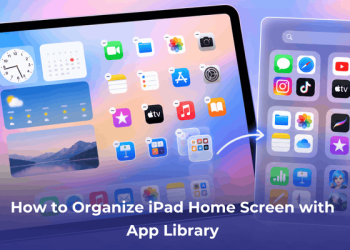
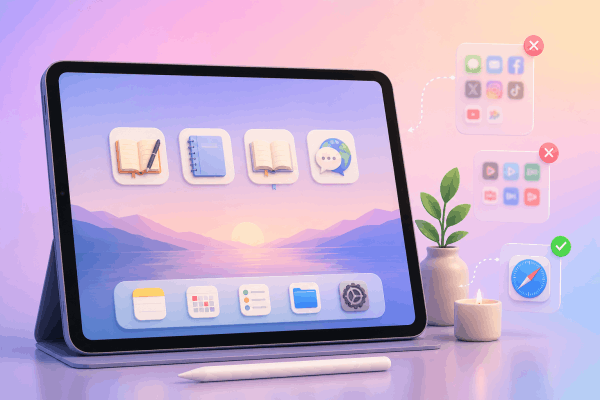
Your home screen should reflect your values, not your impulses. Treat your iPad dock like premium real estate. Remove all communication apps, news feeds, and infinite-scroll platforms.
Instead, fill your first page exclusively with intentional, high-value utilities: a dedicated journaling app, a digital notebook, an e-reader, or a language-learning system. If you need entertainment or messaging apps, hide them inside folders on the second or third page, or access them solely through Safari. By increasing the physical friction it takes to reach a distraction, you break the cycle of subconscious tapping.
Mastering Focus Modes for deep work
Apple’s Focus Modes are your primary defense against digital noise. Rather than turning on a generic “Do Not Disturb,” create custom profiles tailored to your personal growth routines:
-
Mindful Morning: Suppress all notifications except for your journaling or meditation tools until 9:00 AM.
-
Deep Study/Creation: Block all incoming text messages and work emails, allowing only your reference books and local writing software to run.
-
Evening Wind-Down: Dim the display, remove bright widgets, and leave only your reading material or reflection journal visible.
May you like this:
- Mastering Stage Manager on iPadOS 26: The ultimate multitasking guide
- How to Free Up ‘Other’ Storage on iPad Effectively
Transforming your iPad into a mindful productivity tool
Once your environment is clear, you can leverage the distinct features of the iPad—especially the stylus and split-screen capabilities—to organize your mind.
The tactile magic of digital handwriting
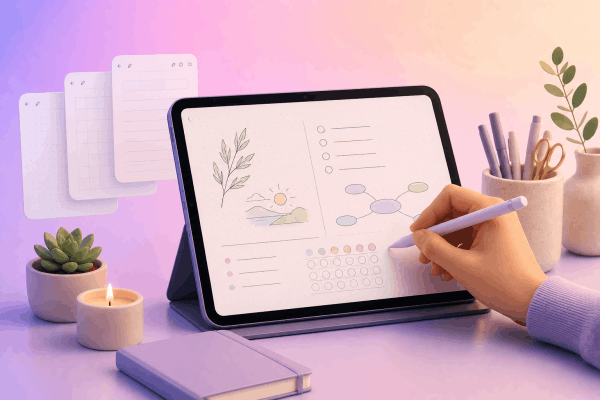
Typing is fast, but handwriting is reflective. There is a distinct psychological shift that happens when you pick up a stylus to physically write out your thoughts. It forces you to slow down, process your ideas, and engage in genuine self-reflection.
Using minimalist notebook layouts or basic dot-grid templates transforms your tablet into an elegant, infinite notebook. You can track long-term habits, log personal milestones, or run a structured brain dump at the end of a chaotic week without managing shelves of paper notebooks.
Leveraging Split View for intentional learning
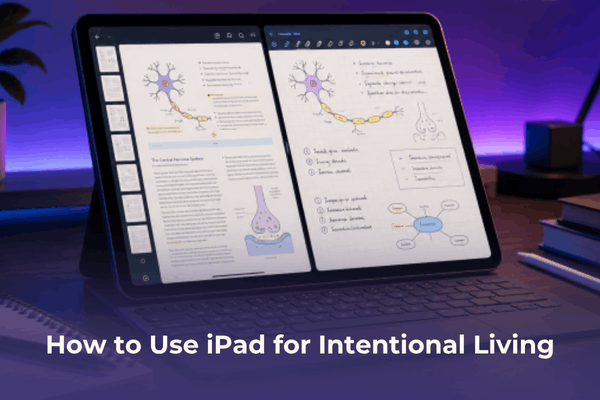
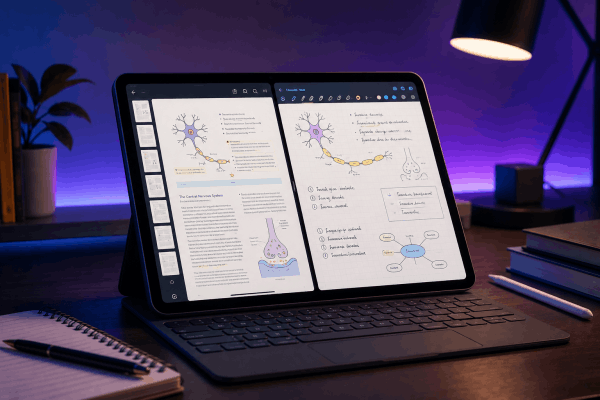
One of the tablet’s best features is Split View, which allows you to run two apps side-by-side. Instead of using this to watch casual videos while checking emails, use it as an active learning center.
Open a complex PDF, a digital book, or an online course on the left side of the screen, and keep an open notebook or an AI companion on the right. This setup turns your iPad into a dedicated study desk where you can actively cross-reference, sketch diagrams, and summarize data in real time.
Practical everyday workflows for personal development
To move beyond theory, here are three highly effective, daily workflows used by long-time tablet owners to stay grounded and highly organized:
| Focus Area | Workflow Setup | Intentional Outcome |
| The Evening Reset | Pull up a minimalist daily planner before logging off for the night. Review your calendar, pull forward unfinished tasks, and select exactly three non-negotiable priorities for tomorrow. | Eliminates early morning decision fatigue and stops you from starting the next day on autopilot. |
| Mindful Culinary Companionship | Mount the tablet on a kitchen stand or an under-cabinet magnetic mount during meal prep. Display a clean recipe layout next to a calming lo-fi playlist. | Keeps your phone away from the kitchen counter and turns cooking into an active, screen-conscious ritual. |
| The Knowledge Vault | Dedicate an infinite whiteboard space (using tools like Freeform) for active brainstorming. Capture quotes, clip website articles, and sketch conceptual maps. | Creates a centralized, searchable home for your intellectual curiosities and creative side projects. |
Frequently asked questions about how to use iPad for intentional living
Do I need the latest iPad Pro model to practice intentional living?
Not at all. Intentionality is entirely about the software environment and your personal habits, not the processor speed. A base-model iPad or an older iPad Air works beautifully for digital planning, reading, and handwriting. In fact, some users prefer older models with standard 60Hz refresh rates because they feel less hyper-stimulating than high-end displays.
How do I stop treating my iPad like a giant iPhone?
The easiest trick is physical separation. Buy a dedicated desk stand and a physical keyboard. Treat the tablet like a modular workstation or a desk-bound journal rather than a handheld device you lounge with on the couch. Additionally, use standard web browsers for things like shopping or video platforms instead of downloading native apps, as web versions are naturally less addictive.
Final thought
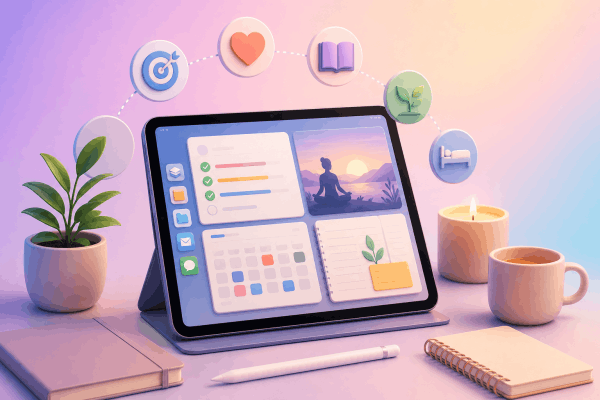
An iPad is a mirror of your internal discipline. It can easily become an expensive portal for digital distraction, or it can serve as a highly focused, quiet space to design your life. By applying strict boundary setups, minimizing home screen noise, and embracing the slow, deliberate nature of handwriting, you convert a piece of consumer hardware into a powerful tool for self-transformation. Start small tonight: wipe your home screen clear, activate a custom focus mode, and use your device to plan your next step forward