
Learn how to watch YouTube videos with dual subtitles on iPad using Orion browser. A simple guide for language learners and iPad users.
CONTENTS:
Quick Summary:
Want to watch YouTube videos with dual subtitles on your iPad? Here’s the trick:
-
Download Orion browser from the App Store.
-
Visit LanguageReactor.com and install the Chrome extension.
-
Open YouTube in Orion, activate the extension, and enjoy bilingual subtitles.
This simple method is perfect for language learners who love using their iPad.
If you’re learning a new language and love using your iPad for everything, being able to watch YouTube videos with dual subtitles is a game-changer. Watching YouTube with dual subtitles on a computer is very easy because you just need to install a browser extension, but things get a bit more complicated on an iPad.
I used to think watching YouTube with bilingual subtitles on iPad was impossible. I tried so many ways and hit dead end after dead end. But good news: there is a way to make it work. All you need is a browser called Orion and a little trick I’ll walk you through below.
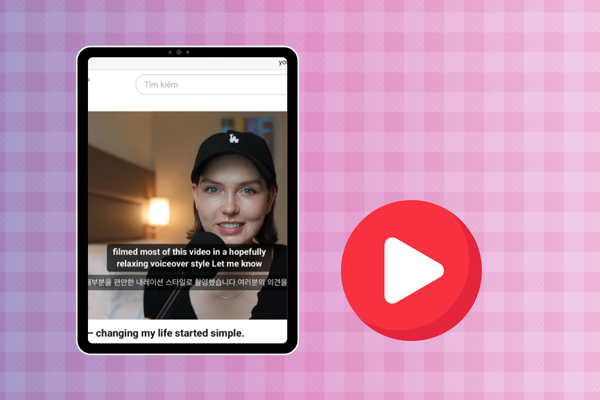
A simple way to watch Youtube with dual subtitles on iPad
Let’s get straight to it. If you want to watch YouTube videos with both English and your native language , just follow these steps:
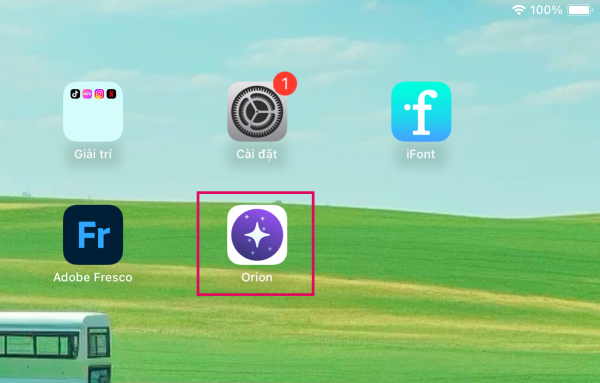
Step 1: Download Orion Browser from the App Store
Head to the App Store and search for Orion Browser. It has a distinctive purple icon. What makes Orion special is that it supports Chrome extensions – something Safari or most other iPad browsers can’t do. This is the key to enabling dual subtitles.
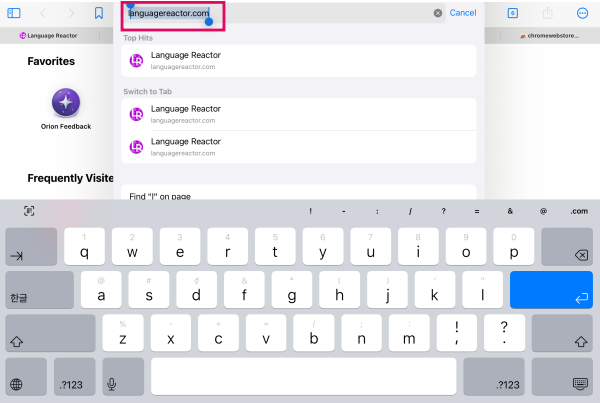
Step 2: Go to LanguageReactor.com
Open Orion and type languagereactor.com in the address bar, then hit enter. The site might act weird the first time you visit. I had some loading issues myself, so if it doesn’t work right away, just try again in a few minutes
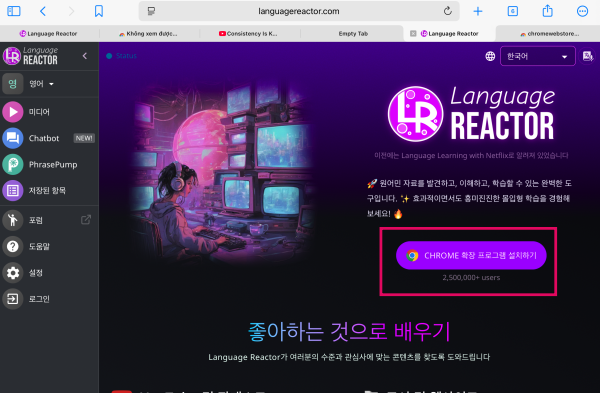
Step 3: Install the Chrome Extension
Once you’re on the Language Reactor site, tap the option to install the Chrome extension. Orion will redirect you to the Chrome Web Store. From there, simply tap Add to Chrome, just like you would on a computer.
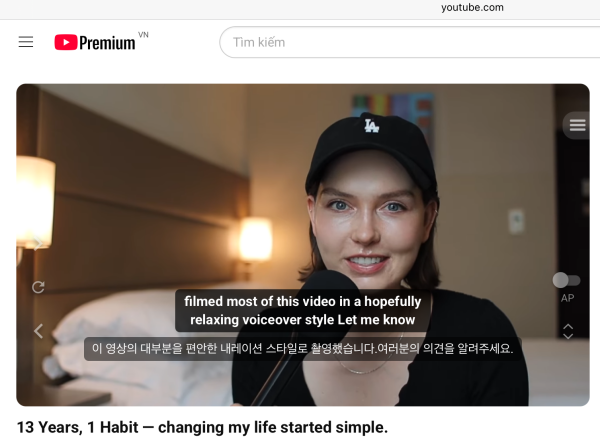
Step 4: Open YouTube and enjoy
Now open YouTube in Orion. If everything worked, you’ll see the Language Reactor icon pop up. Play any video and you should see bilingual subtitles appear automatically. You can adjust subtitle settings according to your preferences.
Pro tip: If subtitles don’t show up immediately, try refreshing the page (F5), or close the tab and open the video again. That usually solves the problem.
A few things to keep in mind
-
This trick currently works great with YouTube. I haven’t tried it on Netflix yet, but it might work the same way.
-
If Language Reactor disappears from the Chrome Web Store (it happens sometimes), you can search for alternatives like Glot Extension right from Orion’s extension store.
-
On my first try, subtitles didn’t show and the video was laggy. I almost gave up. But after restarting the browser, it worked smoothly.
Final thoughts
Is this method perfect? Not quite. It’s not as seamless as using Chrome with Glot on a laptop. But for basic bilingual subtitles on YouTube while using your iPad, it gets the job done, and that’s what matters.
If you’ve discovered another method that works even better, feel free to share! I’d love to hear your tips too.
Thanks for reading, and happy language learning!
Read more: